Antivirus protection
Tools intended to detect, block, quarantine, or remove common forms of malicious software. Methods and supported systems vary.

Practical protection starts with a clear choice
Apextek helps US customers understand and compare legitimate security-software options. Browse the catalog, then contact Apextek to discuss availability, compatibility, pricing, and purchasing by phone.

Security categories
Security products vary widely. Start with the devices and online activities you want to protect, then confirm that a specific product supports them.
Tools intended to detect, block, quarantine, or remove common forms of malicious software. Methods and supported systems vary.
Subscriptions that may cover several compatible computers, phones, or tablets. Device limits must be checked carefully.
Broader suites may add web, email, firewall, ransomware, or phishing-related features beyond basic malware detection.
Some products include privacy-related features. Availability, limits, and regional terms should be confirmed.
Featured products
Browse named antivirus, internet-security, privacy, VPN, and device-utility products. Regular and sale prices match the supplied catalog; current terms and availability are confirmed by phone.
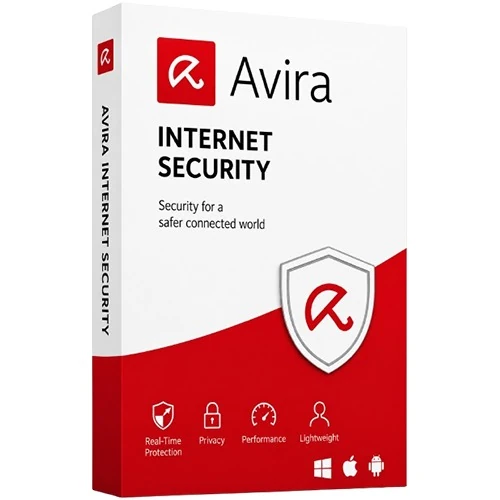
Digital security software
$15.00$12.00

Digital security software
$44.00$42.00
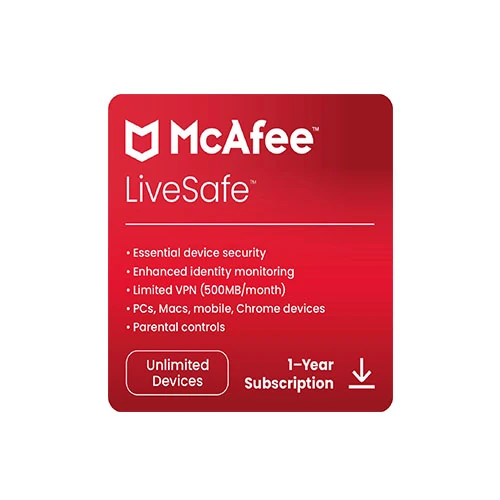
Digital security software
$44.00$41.00
Understanding protection
Security software can reduce risk but cannot make a device immune. Safe behavior, current software, strong accounts, and backups remain important.
A broad term for harmful software designed to disrupt, spy, steal, or gain unauthorized access.
Malicious code that can attach to files or programs and spread when infected content runs.
Malware that can lock devices or encrypt data while demanding payment. Reliable backups are crucial.
Messages or sites that impersonate trusted organizations to prompt unsafe actions.
Software that secretly gathers activity or personal information.
Programs that may change settings or behave differently from what users expected.
Sites may host deceptive content, impersonate brands, or distribute harmful files.
Files from unknown sources can carry unwanted software. Prefer verified publishers.
A better buying decision
List every device you want to cover and its exact operating-system version. Then compare features, device limits, subscription length, renewal terms, and system requirements.

Device compatibility
Compatibility varies by product and version. Customers should review the applicable product requirements before purchasing.
Confirm the exact Windows edition, version, memory, storage, and restrictions on older systems.
macOS support and features can differ from Windows. Check currently supported releases.
Mobile protection may include scanning or web safety, subject to Android version and permissions.
Security apps work within platform limits; features may focus on web, account, or privacy tools.
Digital delivery
Customers browse online and confirm the complete order by phone before payment and digital fulfillment.
Review the publisher, edition, device allowance, subscription period, regular price, and sale price.
Use the product's Call to Buy link, then call +1 (202) 555-0147 during phone-sales hours.
Review compatibility, availability, final total, renewal, refund, payment, delivery, and activation terms.
Keep the Apextek order reference and follow the documented digital-delivery instructions.
Download and activate through the publisher's official website or application. Apextek does not host unknown installers.
Apextek will not ask for your antivirus account password, email password, one-time code, authentication code, banking password, or full card number.
Security education
Antivirus centers on malware detection. Broader suites may add web, firewall, phishing, privacy, or account features.
Updates often repair security weaknesses. Keep systems, browsers, applications, and security software current.
Use unique passwords, consider a reputable password manager, and enable multi-factor authentication.
Pause before opening urgent links or attachments. Verify unusual requests through a known channel.
Obtain applications from verified publishers. Avoid cracks, activators, bundles, and unexpected attachments.
Maintain tested backups. A disconnected or protected copy can help after loss, damage, or ransomware.
Questions, answered clearly
Review compatibility, delivery, activation, renewals, security limitations, and the information you should never provide.
View All Frequently Asked QuestionsNo. Security software can reduce risk and detect many threats, but no product can eliminate every cybersecurity risk.
Use the publisher's official website, official application, or another clearly verified source.
Some can, but device counts, platforms, and features depend on the exact product and subscription.
No. Apextek does not request third-party account credentials, one-time codes, or banking passwords.
Business transparency
Apextek is presented as an independent retailer and educational catalog. It does not claim to manufacture third-party products, operate a publisher's official support center, or hold authorization unless documented.
Apextek is an independent retailer. Third-party product names and trademarks belong to their respective owners. Any manufacturer relationship or reseller authorization should be stated only where it can be verified.

Make an informed choice
Use the catalog guide to define your needs, read the Security Guide, or review contact status before an order inquiry.