Phone sales: +1 (202) 555-0147 • Monday–Saturday, 9:00 a.m.–7:00 p.m. ET

Practical digital security

Build layers of protection around your devices and accounts

No single product can remove every cybersecurity risk. Combine reputable security tools with current software, careful decisions, strong accounts, and reliable backups.

Know the risks

Malware, ransomware, phishing, and spyware are different problems

Understanding the difference helps you respond appropriately. Some risks involve malicious files, while others depend on deception, unsafe permissions, weak accounts, or unpatched software.

A security application may detect many known and suspicious behaviors, but account protection and human judgment remain essential.

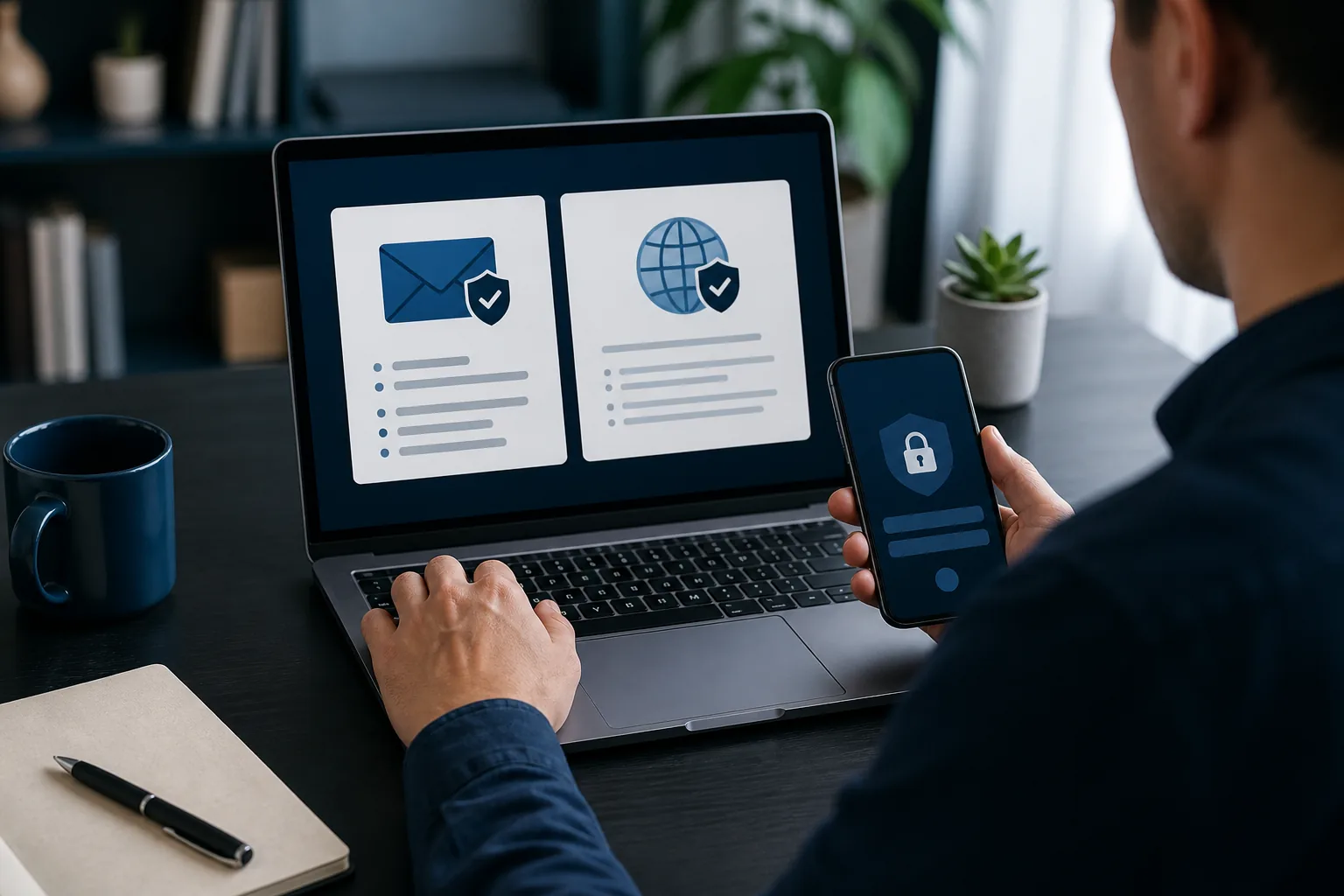
Person evaluating email and web safety with a laptop and smartphone

Threat guide

Four concepts worth recognizing

What is malware?

Malware is an umbrella term for software or code designed to harm, disrupt, spy, steal, or gain unauthorized access. It includes viruses, worms, trojans, ransomware, spyware, and other unwanted behavior. Malware can arrive through attachments, altered installers, compromised sites, removable storage, or exploited vulnerabilities.

Reduce exposure by updating software, downloading from trusted sources, using protective tools, and avoiding unexpected files.

What is ransomware?

Ransomware can encrypt files, lock a device, or threaten to expose information while demanding payment. Paying does not guarantee recovery. Preventive steps include prompt updates, restricted permissions, careful email handling, endpoint protection, and tested backups that are not continuously exposed to the same device.

What is phishing?

Phishing uses deceptive email, text, calls, ads, or websites to impersonate a trusted party. Attackers may create urgency, request sign-in details, or direct people to malicious files. Inspect the sender and destination, avoid acting through unexpected links, and contact the organization through a known channel.

What is spyware?

Spyware secretly observes activity or collects information. It may monitor browsing, capture input, or track behavior. Warning signs can be subtle and are not proof by themselves. Use reputable tools, review application permissions, remove software you do not recognize, and secure accounts if exposure is suspected.

Secure foundations

Keep devices maintained

Why device updates matter

Operating-system and application updates often correct security weaknesses. Enable supported automatic updates when practical, restart when required, and replace systems that no longer receive security fixes.

Safe browsing practices

Check the actual site address, treat advertisements and urgent prompts carefully, avoid bypassing browser warnings without a clear reason, and do not grant notification or download permissions to unfamiliar sites.

Email security

Be cautious with unexpected attachments, invoices, delivery notices, password resets, and urgent executive requests. Verify unusual messages through a separate known channel before opening files or sending information.

Account protection

Password security

Use a unique password for each important account. Longer, memorable passphrases or passwords created and stored by a reputable password manager can reduce reuse. Change a password when there is evidence of compromise, and never share it with a retailer.

A second check

Multi-factor authentication

MFA requires another factor beyond a password. An authenticator app, security key, or device prompt is often stronger than password-only access. Never read or send an authentication code to someone who contacted you unexpectedly.

Network basics

Secure Wi-Fi

Use modern router security, a strong administrative password, current router firmware, and a separate guest network when helpful. Avoid sensitive transactions on networks you do not trust, and turn off automatic connection to open networks.

Safer software

Download from verified sources

Prefer the publisher's official site, the operating system's trusted store, or another source explicitly identified by the legitimate provider. Confirm the publisher name and product edition before installation.

  • Avoid cracks, key generators, activators, and modified installers.
  • Decline unexpected bundled programs and browser extensions.
  • Do not disable security controls merely because a download asks you to.
  • Review permissions and remove applications you no longer use.
Personal devices displaying neutral shield symbols for safer software use

Deceptive prompts

Recognize fake security warnings

A webpage cannot perform a full antivirus scan simply because you visited it. Treat alarming pages that claim to find many infections, display a countdown, imitate an operating-system alert, or demand a phone call as suspicious.

  • Do not call a number shown in an unexpected warning.
  • Do not install remote-access software or share a connection code.
  • Do not enter passwords, payment details, or authentication codes.
  • Close the tab or browser and use your device's legitimate security tools.

When in doubt

Stop interacting with the message. Use another trusted device if necessary to find the official support information for your operating system, financial institution, or software publisher. If money or credentials were shared, contact the affected institution through a verified channel promptly.

Recovery readiness

Back up important files

Backups help after ransomware, hardware failure, theft, accidental deletion, or physical damage. Keep more than one copy, protect at least one copy from continuous access by the original device, and test restoration periodically.

Cloud synchronization can be useful, but synchronization alone may copy unwanted changes or deletions. Understand version history and recovery limits.

Reasonable expectations

What antivirus can and cannot do

Antivirus software can scan files, monitor behavior, block known threats, warn about suspicious activity, and assist with quarantine or removal depending on the product. It cannot guarantee that a device will never be infected, prevent every scam, repair every compromised account, or replace secure user behavior.

Use layers: current software, reputable security tools, strong unique passwords, multi-factor authentication, careful browsing and email decisions, limited permissions, and tested backups.

Apply the guidance

Compare products with realistic expectations

Browse the catalog and match supported devices and features without relying on absolute protection claims.

Browse Products